01Log
Logging the day takes seconds.
Everyone enters several activities at once and sees on a calendar which days are complete, partial or missing.

From a shared spreadsheet to an app where every hour is logged, approved and ready to report.


Everyone added their activities there and, at month-end, it all had to be sorted out to keep the history.
Everyone added their activities to the same file.
At the end it had to be sorted by hand to keep the history.
Every hour is logged, approved and ready to report.
01Log
Everyone enters several activities at once and sees on a calendar which days are complete, partial or missing.
02Approve
Whoever signs off on a project sees what’s pending grouped by person and approves it one by one or in bulk. If something doesn’t add up, they reject it with a comment and it comes back fixed.

03Close the month
The history builds itself with every entry. Closing the month means picking the columns and exporting.

04See the business
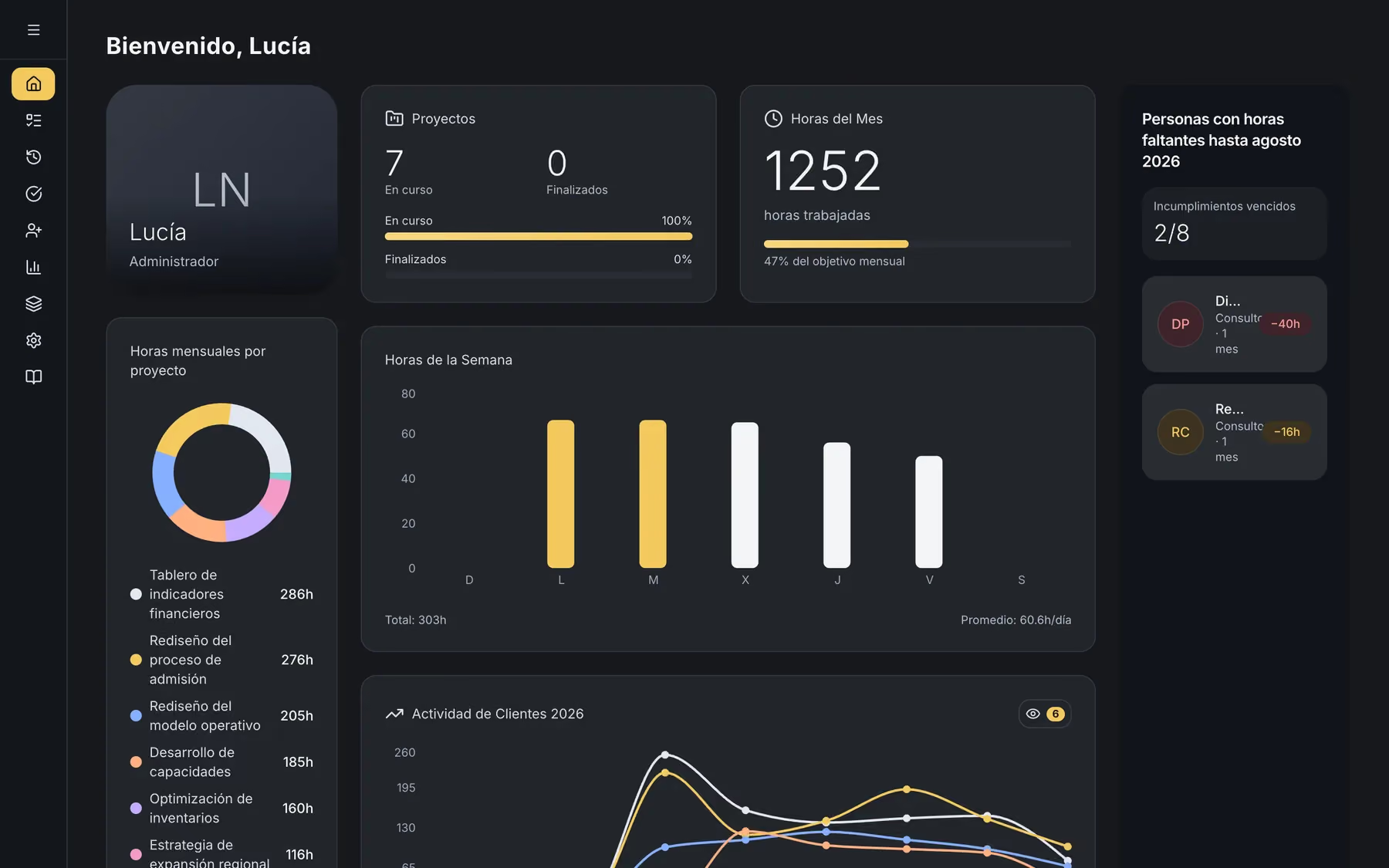
Leadership sees hours by client, project and person at any time, and who still has hours to log before the month closes.

We started with the essentials —logging and approving— and added something new every month: reports, access control, automated tests and fine detail.
01Month-end close
Sorting the spreadsheet by hand to keep the history.
The history builds itself; closing the month is an export.
02Approvals
Reviewing entries inside the same file.
Every activity goes to whoever signs off on its project, one by one or in bulk.
03Reports
The numbers had to be put together.
Hours, compliance and utilization in view at any time.
Permissions in the database, automated tests and a polished interface in light mode, dark mode and on your phone.

Tell us what you want to achieve and we’ll see how far it can go. We reply in under 24 hours.
